 NotchBall
The game, in your notch.
Pick one NFL game and NotchBall keeps the score, clock, and down and distance at the top of your screen while you work.
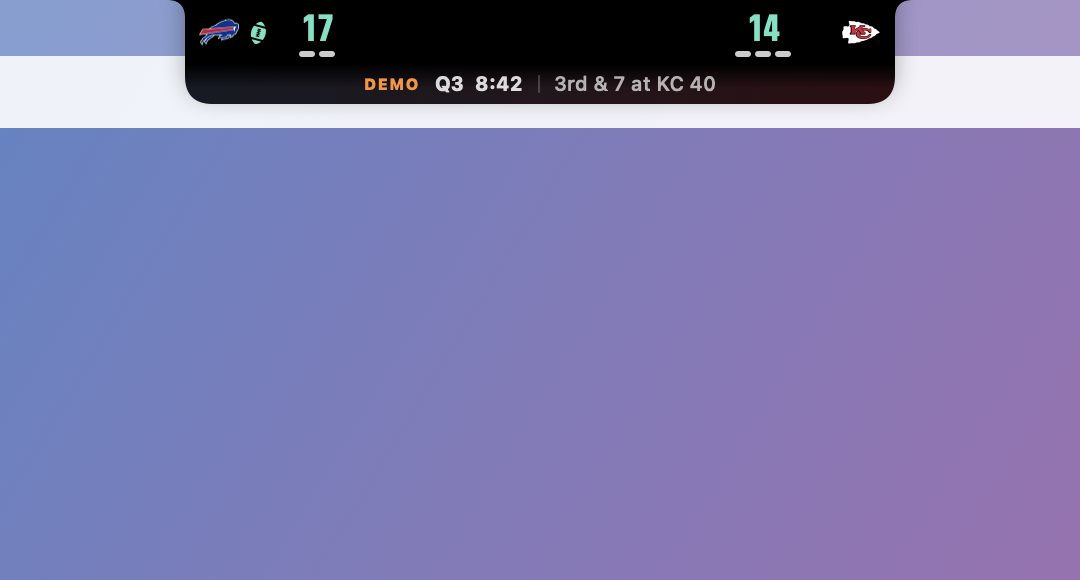
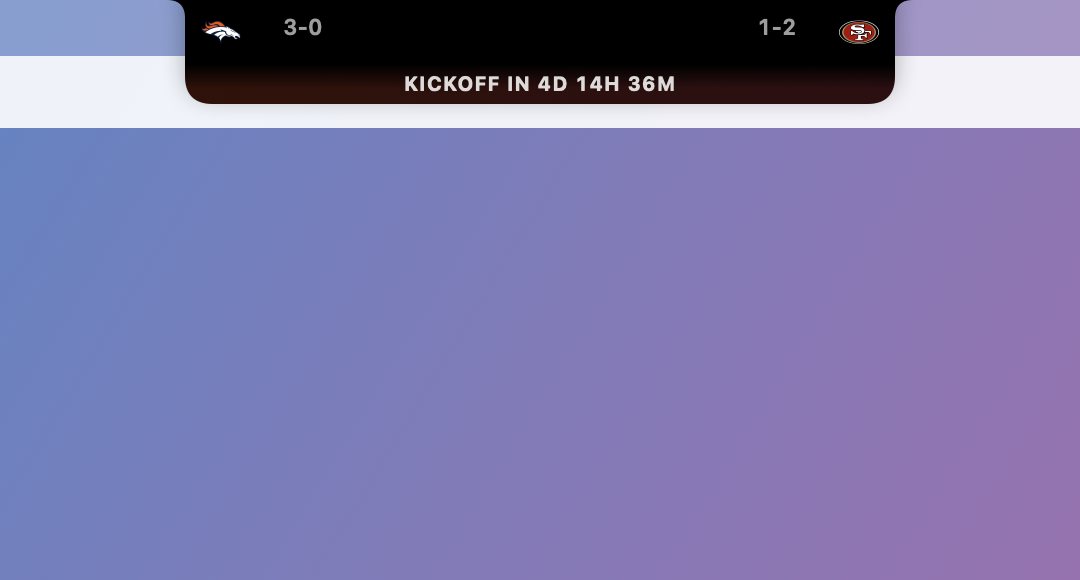
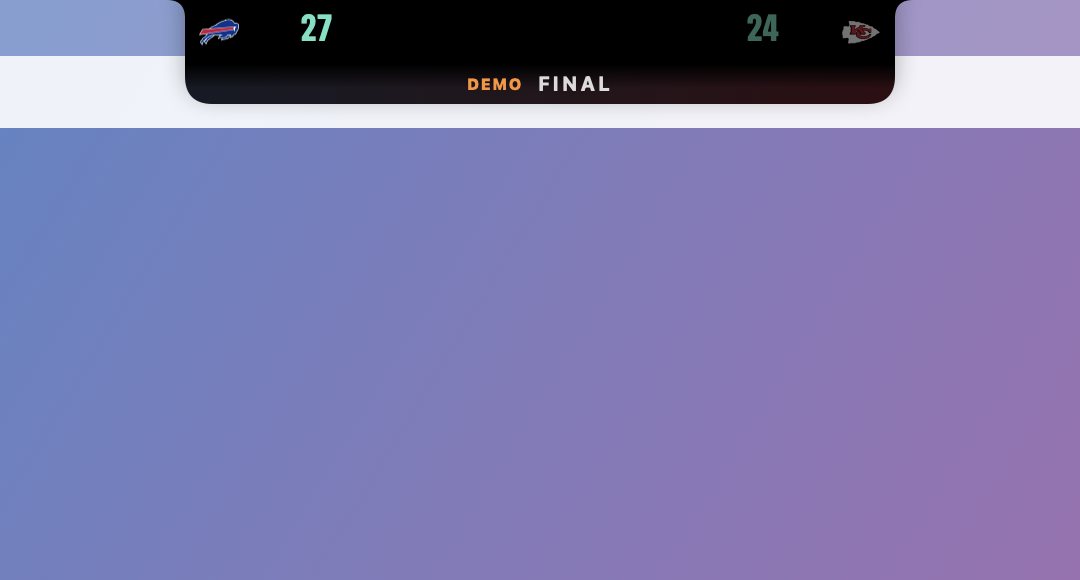
Score, timeouts, quarter, clock and field position, tucked around the camera.
One game. Always in view. Never in the way.
Live scoreboard
Score, quarter, game clock, possession, down and distance, and each team's timeouts.
Hover for the drive
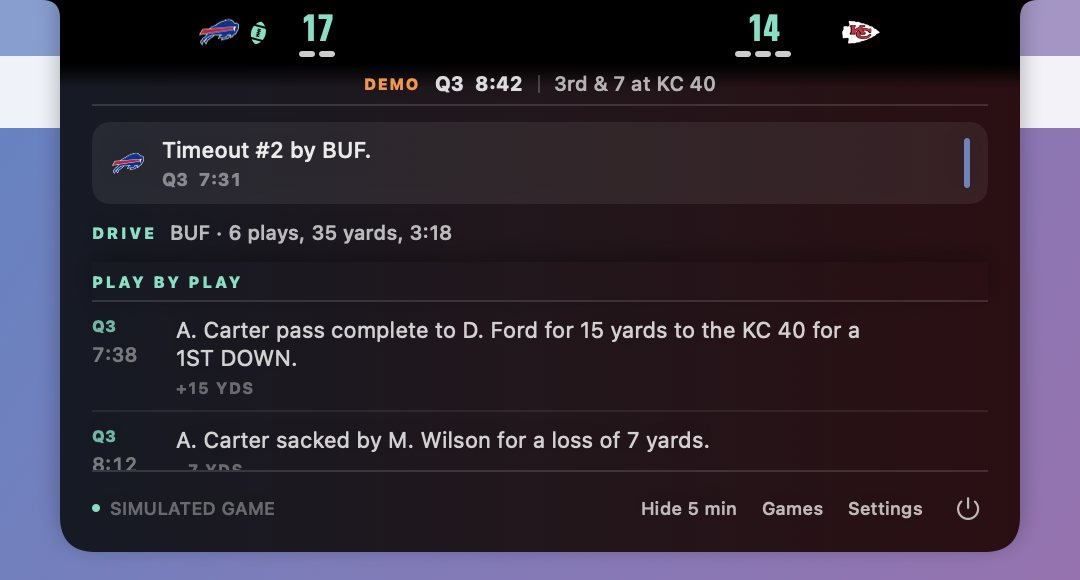
Point at the notch to see the latest play, the current drive and the full play by play.
Big-play graphics
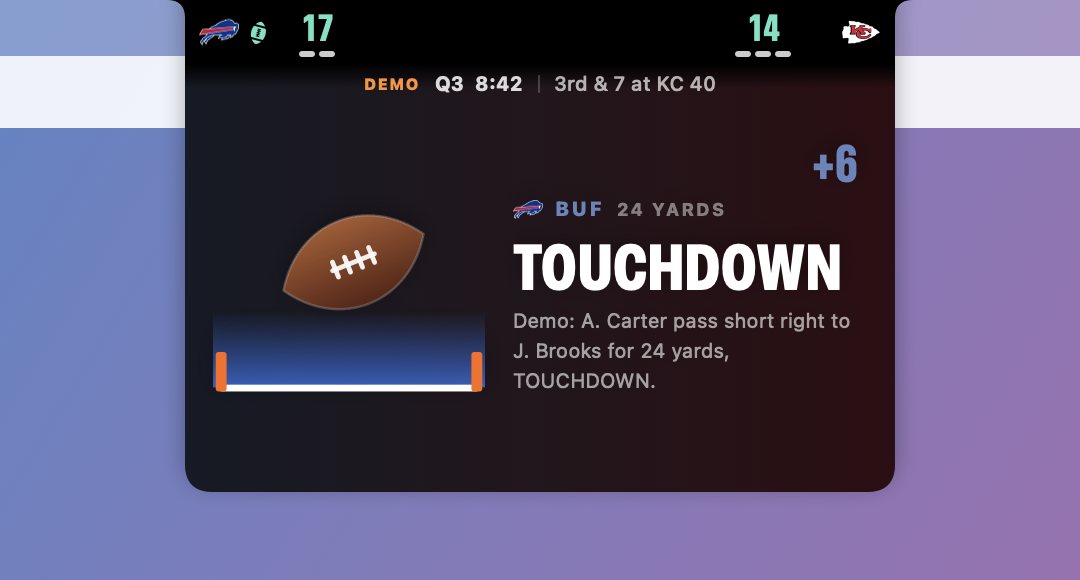
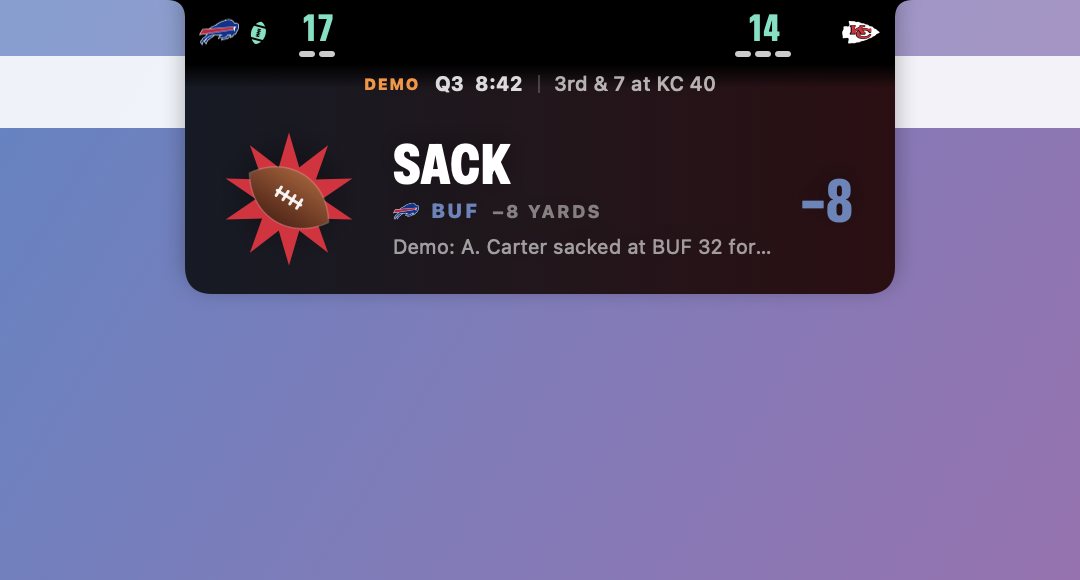
A short silent card drops out of the notch on scores, turnovers, sacks and flags. Turn any of them off.
Pregame countdown
Pick a game early. It shows both records and counts down to kickoff.
Stays out of your way
Clicks pass straight through the scoreboard. It never steals focus from what you're typing.
Works without a notch
On an external display or an older Mac it draws its own notch at the top of the screen.
Your Mac will ask once. Here's how to open it.
Why the warning? NotchBall is a free beta and isn't signed with a paid Apple developer account yet, so macOS can't verify who made it.
You only do this once. After that it opens like any other app.
- Unzip and drag NotchBall to Applications
Double-click NotchBall.zip in Downloads, then move the app into your Applications folder.
- Open it, then click Done
macOS says it could not verify NotchBall. Click Done, not Move to Trash.
- Go to Privacy & Security
Open System Settings → Privacy & Security and scroll to the bottom.
- Click Open Anyway
Next to "NotchBall was blocked", click Open Anyway, then confirm with your password or Touch ID.
FAQ
Is it free?
Yes. No account, no ads, no in-app purchases.
Does it need a sign-in or a streaming subscription?
No. It reads public live scores. It doesn't play video.
Which Macs does it work on?
Macs with Apple silicon on macOS 15 Sequoia or later. Notched MacBooks look best; other screens get a drawn notch.
Can I follow more than one game?
One at a time on purpose. Switch games anytime from the menu bar or the Games window.
Does it work alongside Boring Notch or other notch apps?
It sits above them, but both apps react to the pointer, so they can overlap. Quit the other app during games if that bothers you.
How do I update it?
For now, download the latest version from this page and replace the app in Applications. Your favorite team and settings stay.
How do I quit or uninstall it?
Hover the notch and click the power button. To uninstall, drag NotchBall from Applications to the Trash.